Every object in its place.
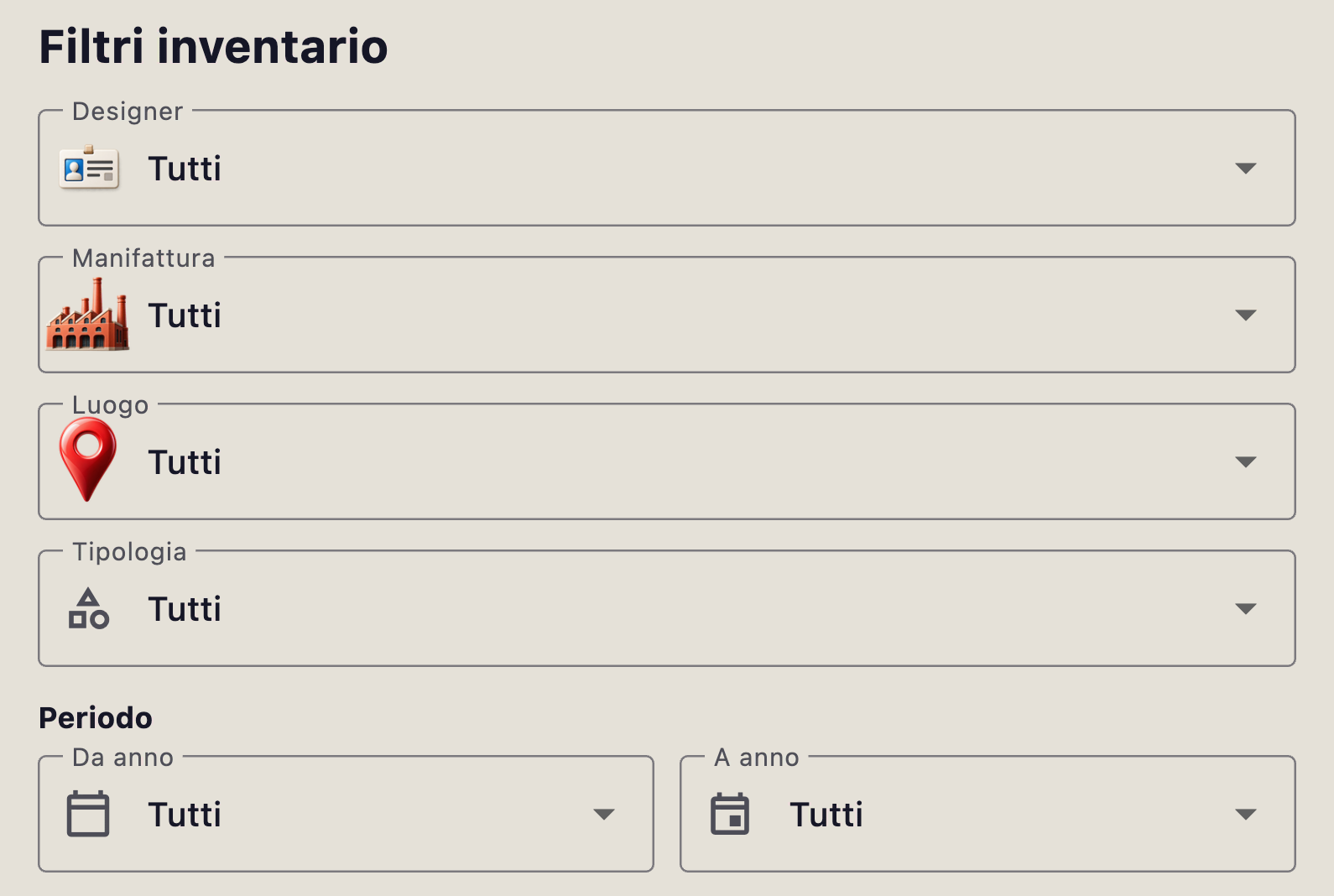
Bring photographs and descriptive data into records organised by category. Browse your collection and filter the inventory.
Explore the inventory →
Collection Intelligence
Objects, photographs, bibliography and sources. IRIDARIA brings them into one archive to help you understand what you collect.
Request early accessDiscover how it works
Early access by invitation, in preparation.


Watch IRIDARIA
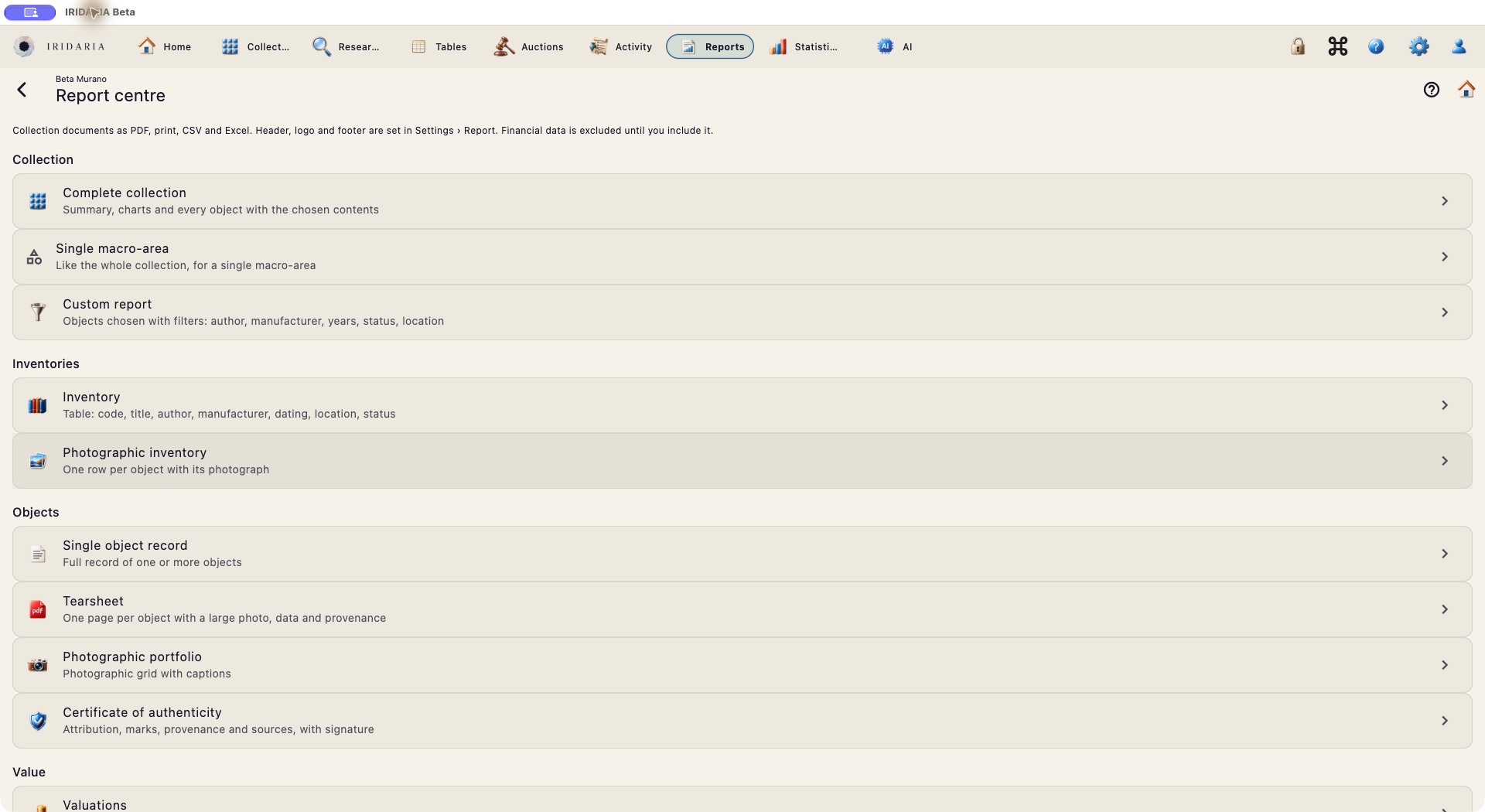
Real beta interface in English.
From objects to knowledge
Structure your archive, find information and build the memory of your collection over time.
Bring photographs and descriptive data into records organised by category. Browse your collection and filter the inventory.
Explore the inventory →Link bibliography and information to the object record. Return to sources and preserve the path of your research.
Library and research →Browse the auction archive and compare relevant lots. Comparable objects add information to your analysis.
The auction market →Inside IRIDARIA
Every category has its own details. A book record also includes language, page count and volumes.
Explore the app workflows
Research with judgement
Assisted research suggests information to check. Sources and review help distinguish a suggestion from a verified fact.
Discover assisted researchObserveStart with the object and its photographs.
DocumentGather characteristics, references and sources.
ExploreCompare, verify and complete the record.
For collectors. For researchers.
A personal archive, a specialist library, a working tool for research and documentation. Tell us how you work and what you need.
Watch the journey
Distinct identities, one shared archive.
The app interface is shown in Italian.
Inside the app
The app interface is shown in Italian.


Register your interest in early access. The beta will be private, with invitations sent after testing is complete.
Request early accessA module overview helps you choose a workflow. Actual availability depends on configuration and permissions.
 Open screenshot ↗
Start with a short video on Mac or iPhone/iPad, review the AI candidates and turn them into drafts for checking.
 Open screenshot ↗
Choose a document in the report centre and check which information to include before exporting.
 Open screenshot ↗
Explore the available categories and open the collection you want to work on.
 Open screenshot ↗